rizum uv packing while keeping texel density
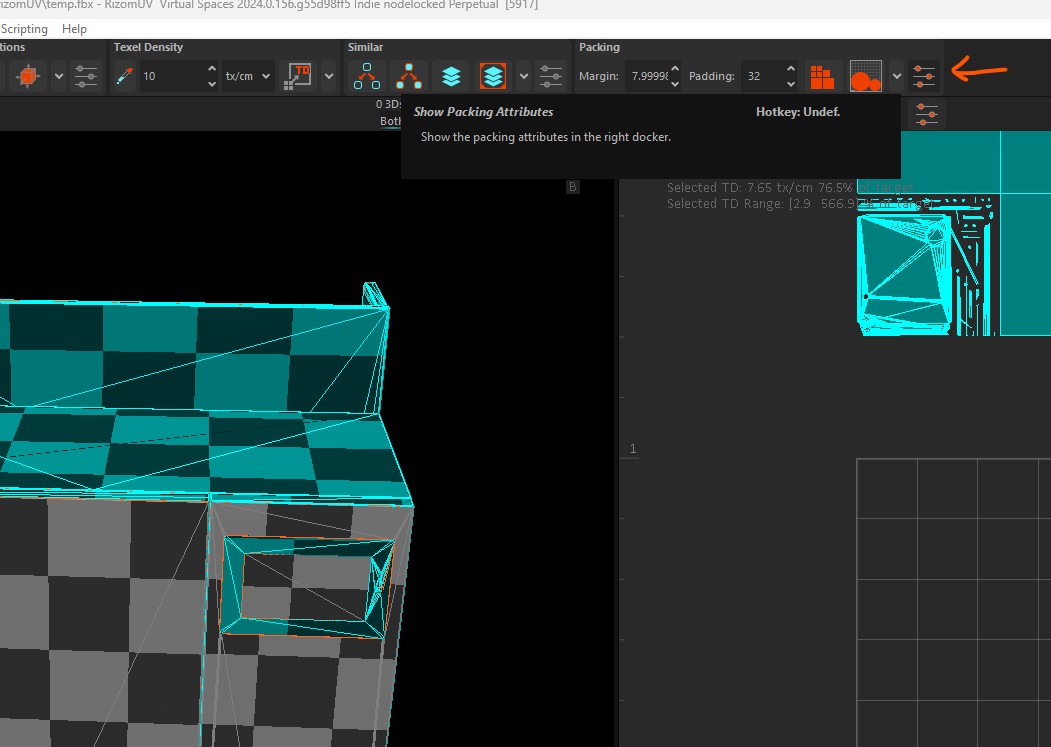
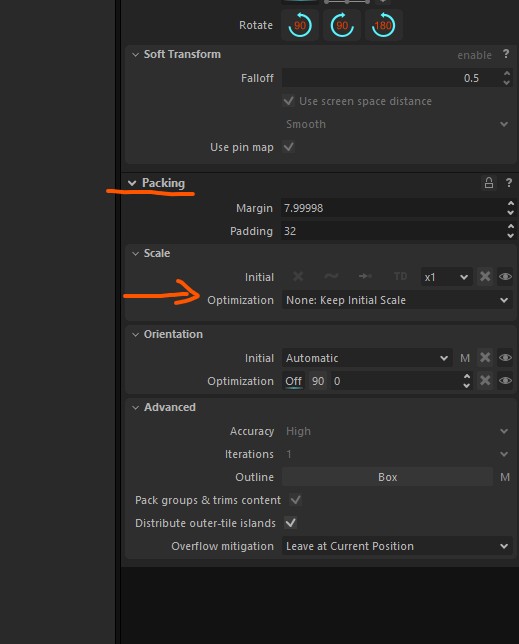
Packing Options – Scale Optimization

Packing Options – Scale Optimization
Sometimes your brush oder eraser paints over UV parts that you don´t want to paint … change Aligment in the brush-tool from Tangent to UV to fix the error
script takes only the albdeo/diffuse channel
One method i use quiet often is to align an object with the workplane. In this example i want to align the cylinder to the cube. Align the axis of your objects first if you have a specific target! Select your target object, go to „Tools – Workplane – Align Workplane to Selection Set X,Y,Z…
If you have problems/errors with your opacity channel in combination with displacement in c4d octane, it could be that you are using the exact same texture which results in some kind of fade out effect. You have to modfiy the opacity image in a way that your black and white colors are a little bit…
( You can create a shortcut to the script )