Weitere Beiträge
Cinema 4D – different alignment of Clones objects with Change Point Order
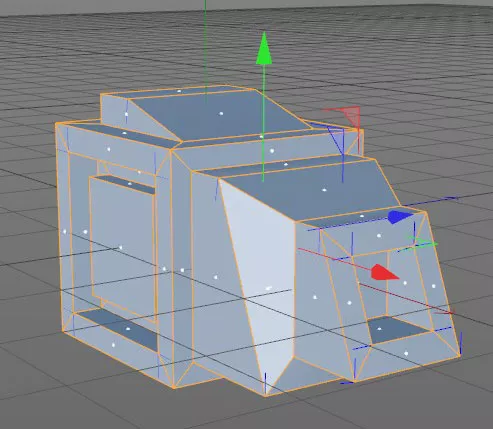
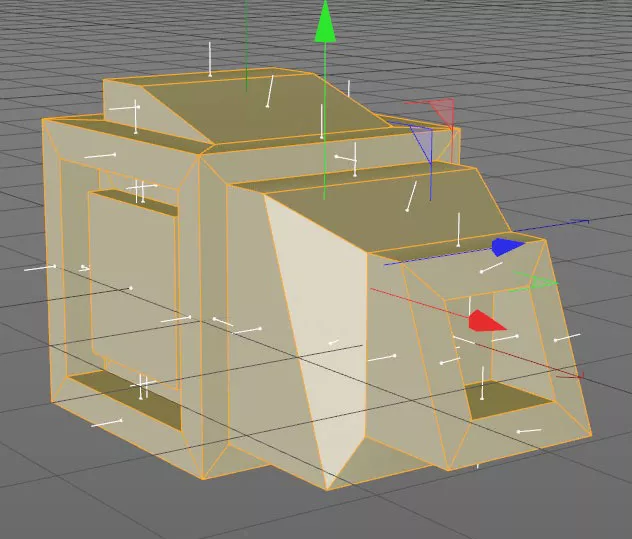
Today i have to use the command „Change point order“ (Punktreihenfolge ändern) for the first time. On an object the clones didn´t rotate all in the same direction … why? … i have no clue. –> notice that i have activated „Align Clone“! the command that helped was „Change Point Order“. Mark the polygons with…
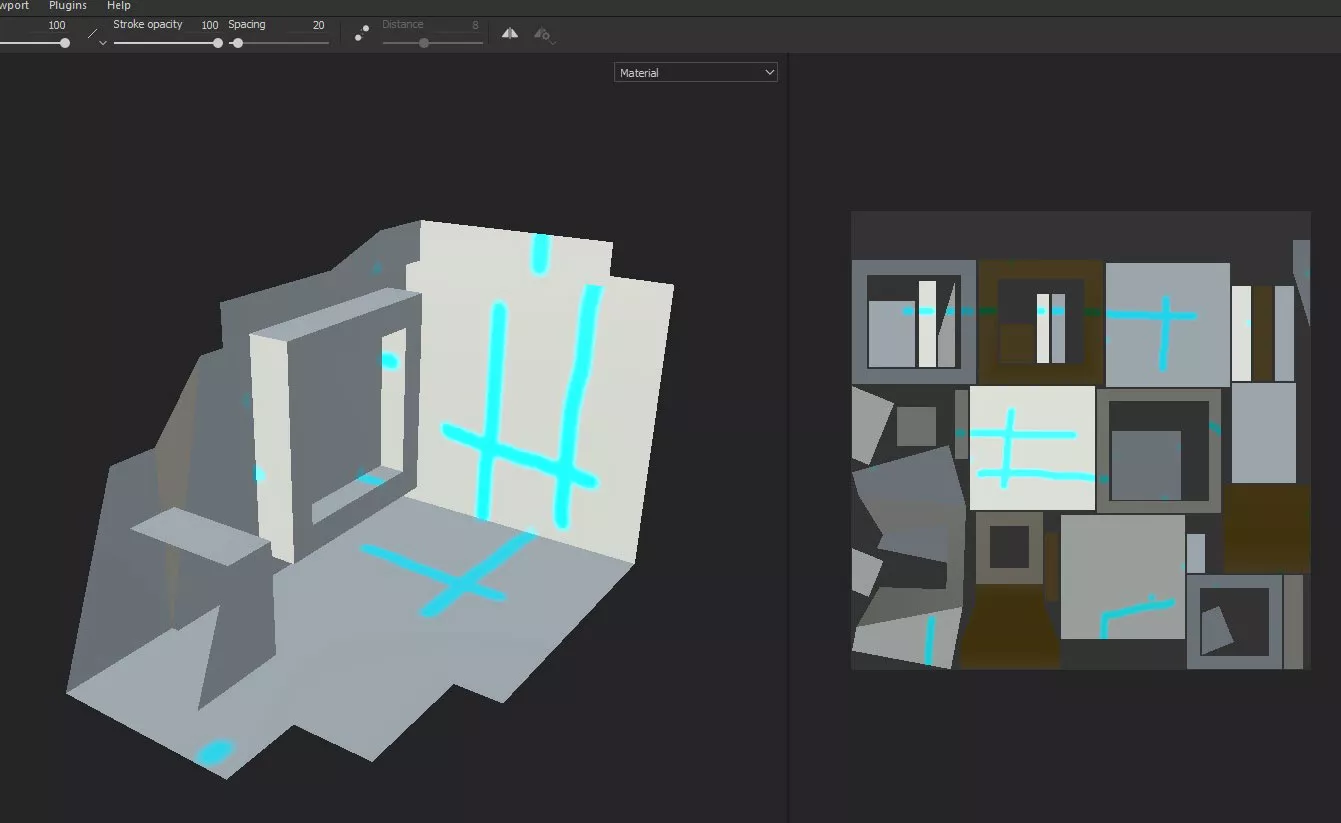
Substance painter brush paints over multiple UVs
Sometimes your brush oder eraser paints over UV parts that you don´t want to paint … change Aligment in the brush-tool from Tangent to UV to fix the error
Materialien zusammenführen / C4D-script
Beispiel-Szenario: Mehrere 3D-Objekte mit mehreren gleichen Materialien aus verschiedenen Szenen in eine zusammenkopiert. Viele Material-Duplikate die alle zugewiesen sind. Wie löst man das? https://github.com/aturtur/cinema4d-scripts/blob/master/AR_Scripts_1.71/Materials/AR_MatMerge.py funktioniert auch mit Polygon-Selektionen. by https://aturtur.com/
EXR replacement too dark
If you have a bitmap (jpg/png/…) sequence as preview in After Affects and then replace it with an 16-bit oder 32-bit exr-sequence it could happen that the colors are way off, too dark and no gamma or exposure correction is really helpful then you could possible fix it, with the „interpret footage“-option. right-click on your…
3D Model Knots
Instead of trying to model the knots yourself
Cinema 4D – How to align an object with workplanes
One method i use quiet often is to align an object with the workplane. In this example i want to align the cylinder to the cube. Align the axis of your objects first if you have a specific target! Select your target object, go to „Tools – Workplane – Align Workplane to Selection Set X,Y,Z…