macro paper reference
some macro photos of a paper book as reference for material creation.
high-res-download: https://stefaneder.at/wp-content/uploads/2025/macro_paper.zip
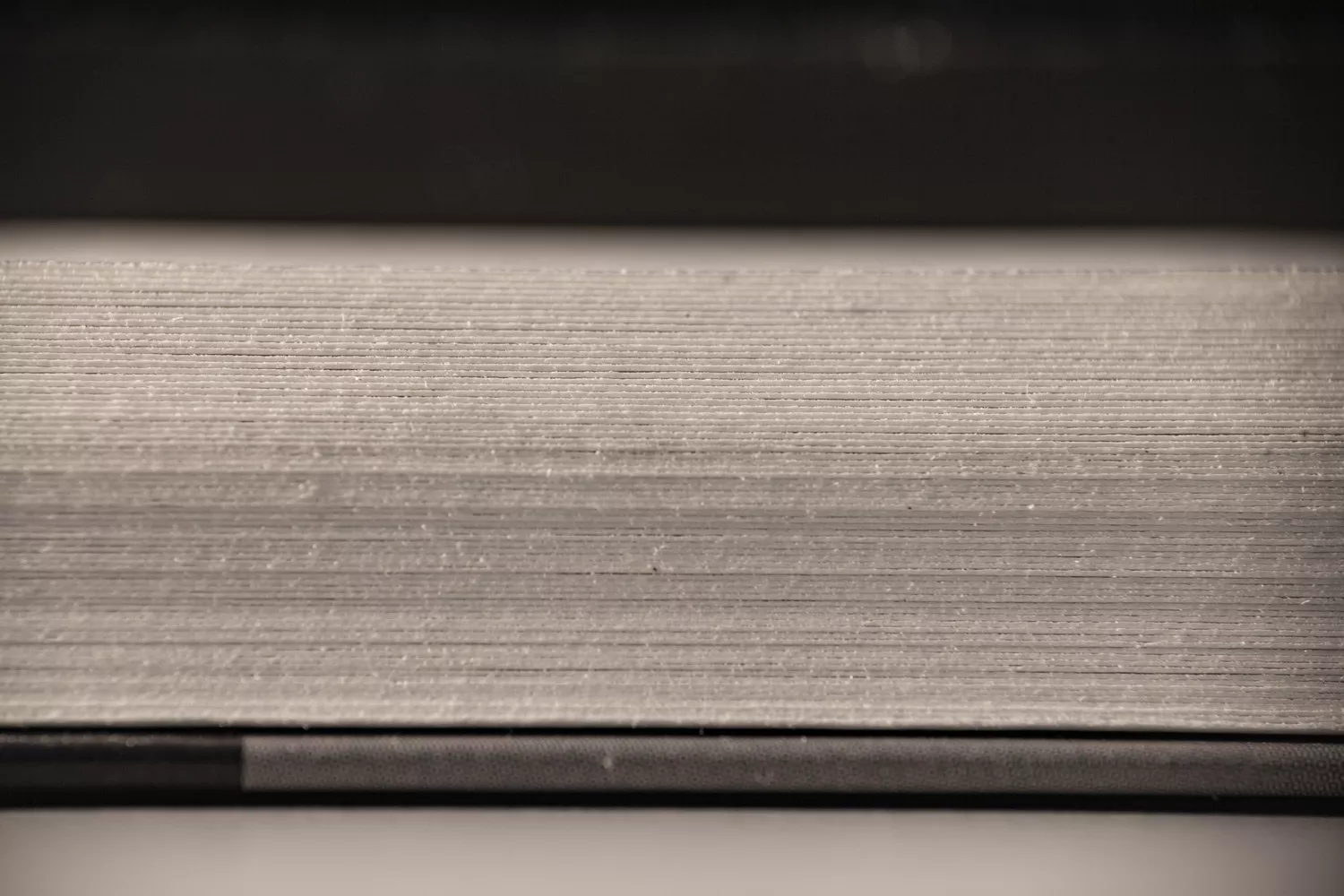


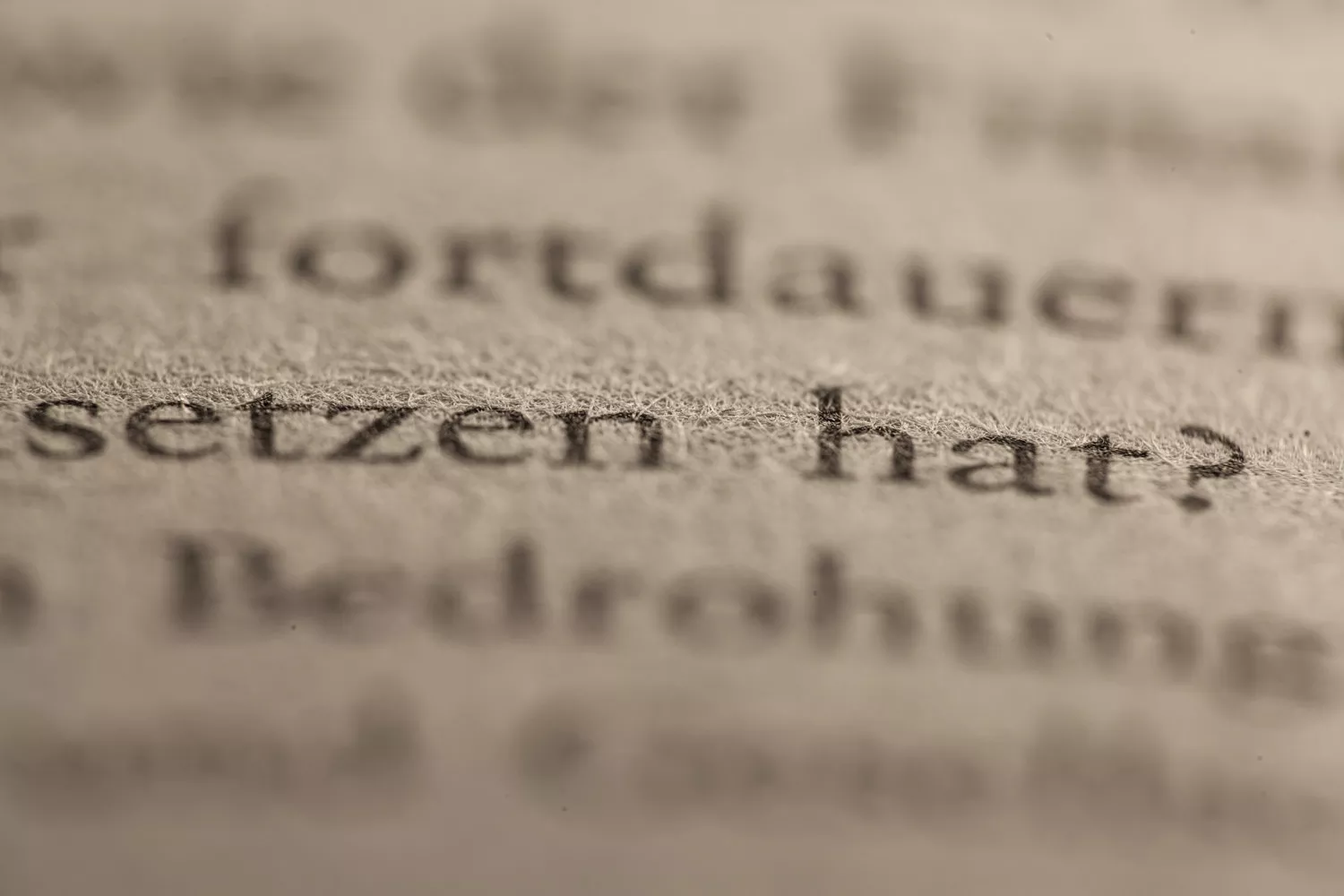

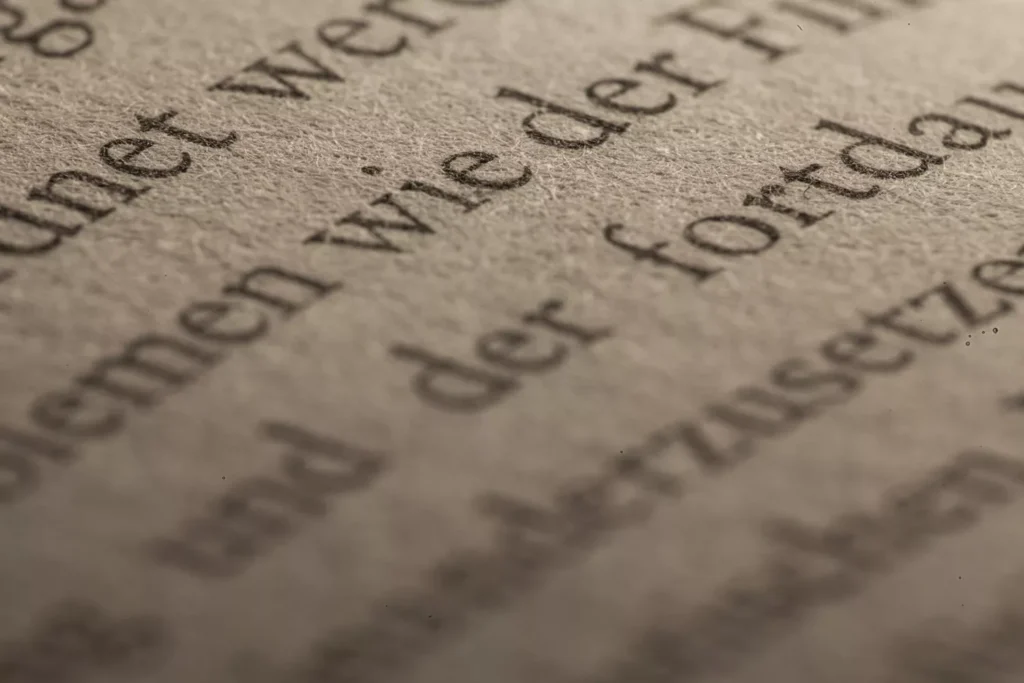
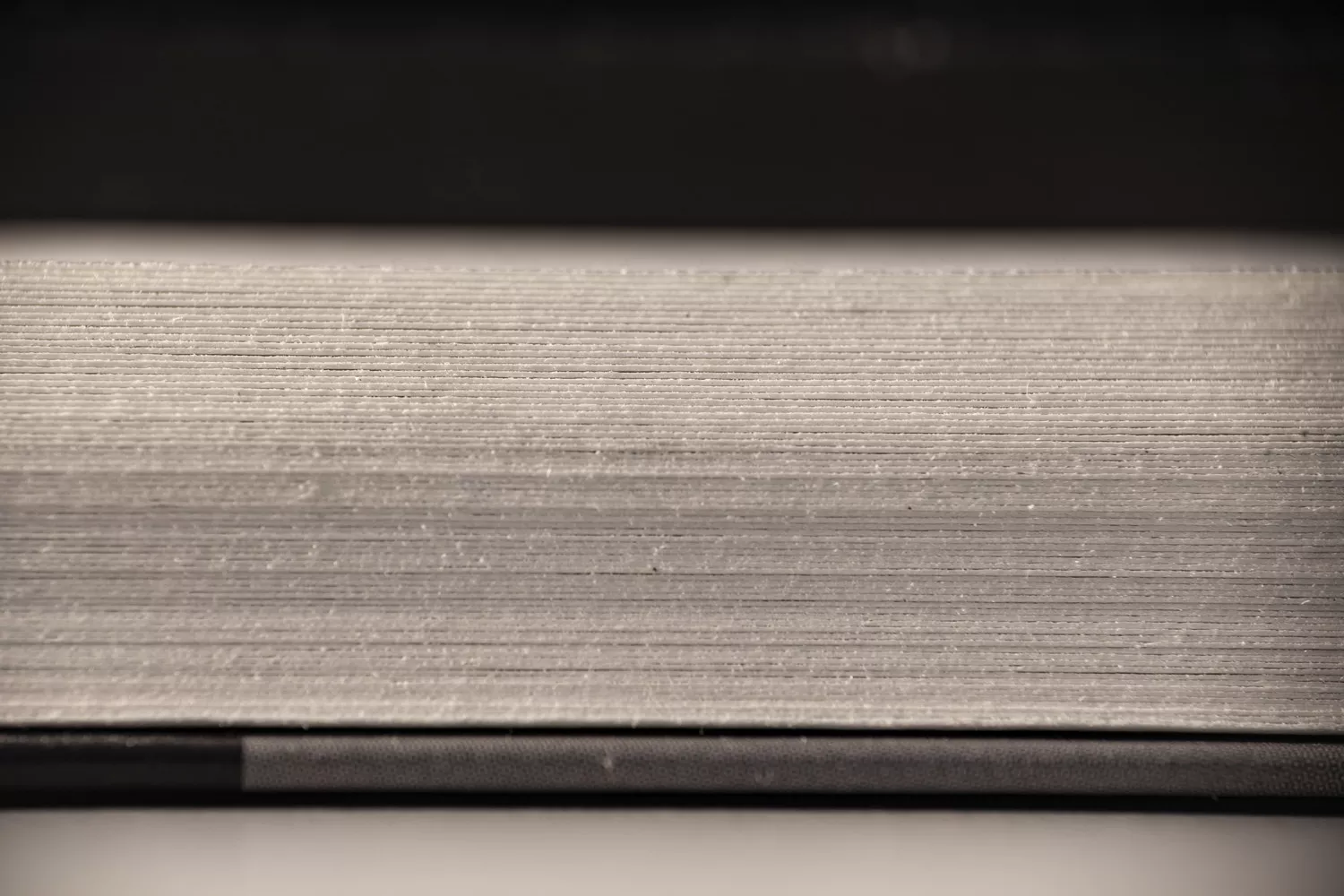
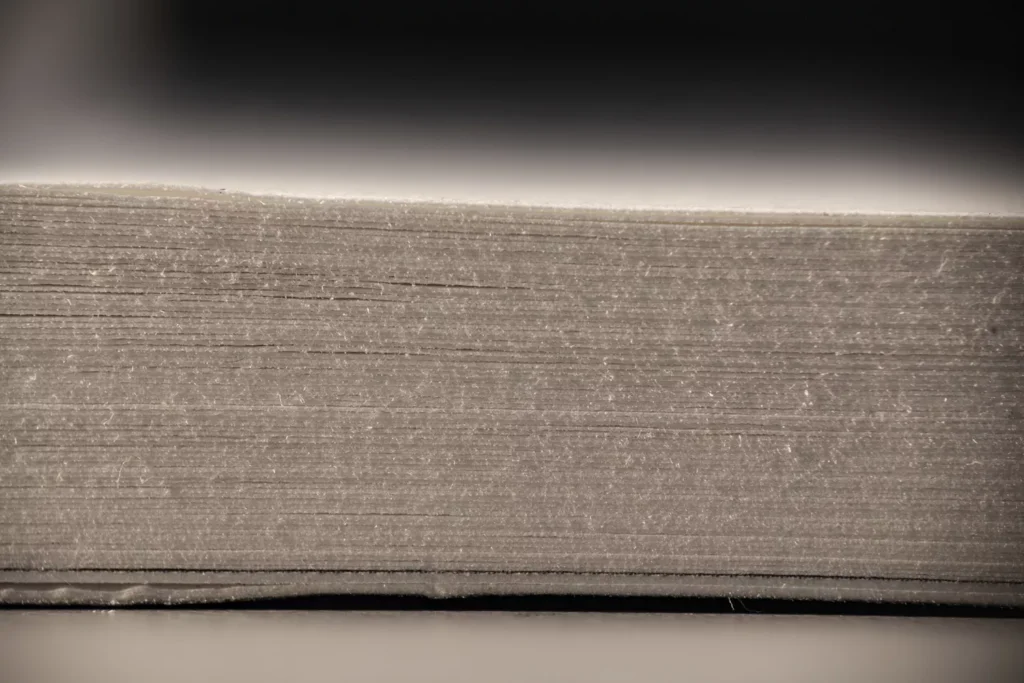


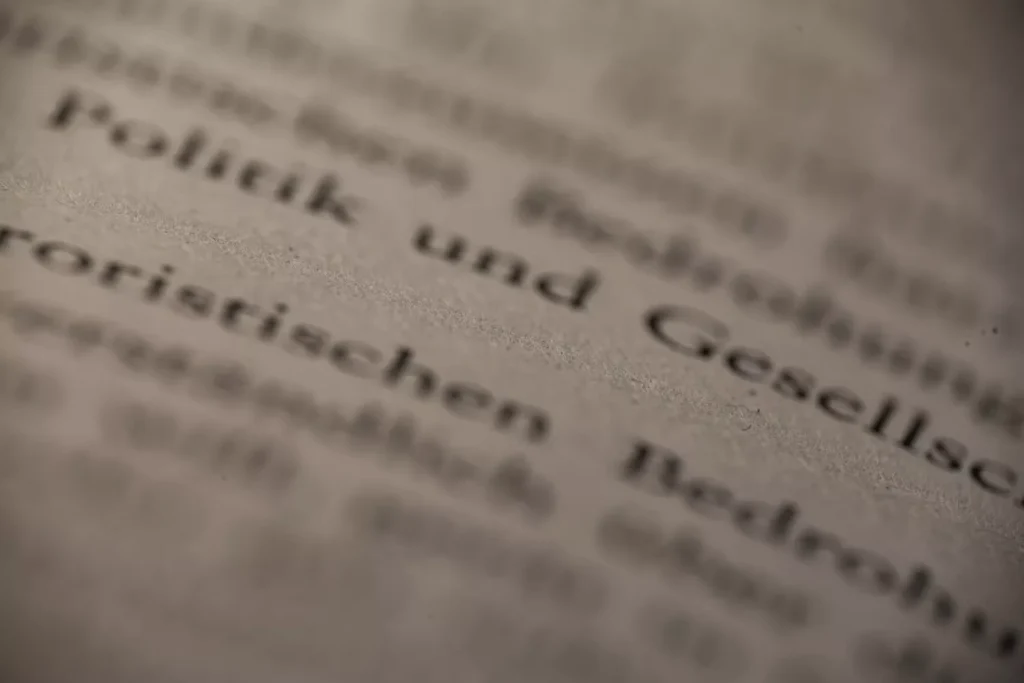

some macro photos of a paper book as reference for material creation.
high-res-download: https://stefaneder.at/wp-content/uploads/2025/macro_paper.zip
I have no idea why or any better solution until now, but if you are experiencing that your materials are only white in the octane liveviewer you can try to change the projection-style of your material from (standard) uvw-mapping to spherical mapping (or any other type) in the c4d attribute window. Looks like this is…
If you have problems/errors with your opacity channel in combination with displacement in c4d octane, it could be that you are using the exact same texture which results in some kind of fade out effect. You have to modfiy the opacity image in a way that your black and white colors are a little bit…
I organized my UDIMs in a Mesh with Rizom UV in 2 columns and 4 Rows, for better a better overview. Looks like this 1001, 1011, 1021, and so on. In Substance Painter there was no problem, but when i tried loading the texture in octane for cinema4D, the pattern was not recognized and i…
Grober Arbeitsablauf: Denn Motorradhelm habe ich mit Photogrammetrie digitalisiert und dann in Cinema 4D als FBX importiert. Mit ein paar Referenzen von der Lego-Animation-Serie gings an das Modellieren des Visiers und der zusätzlichen 3D-Teile am Helm. 3dee.at in Wien hat mir die Anbauteile dann mit FDM/FLM Material ausgedruckt, … schleifen, spachteln und nochmal schleifen. Zum…
Sometimes the Space Mouse just stops working in C4D. Until now everytime the Solution was to update your 3D Connections drivers. (May 2025)
double-click on the button in „edit palette“-mode