reference photos screw
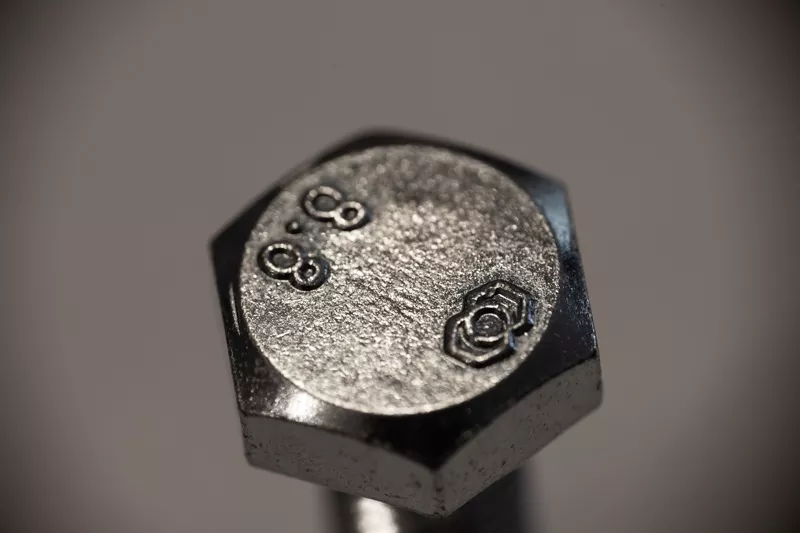
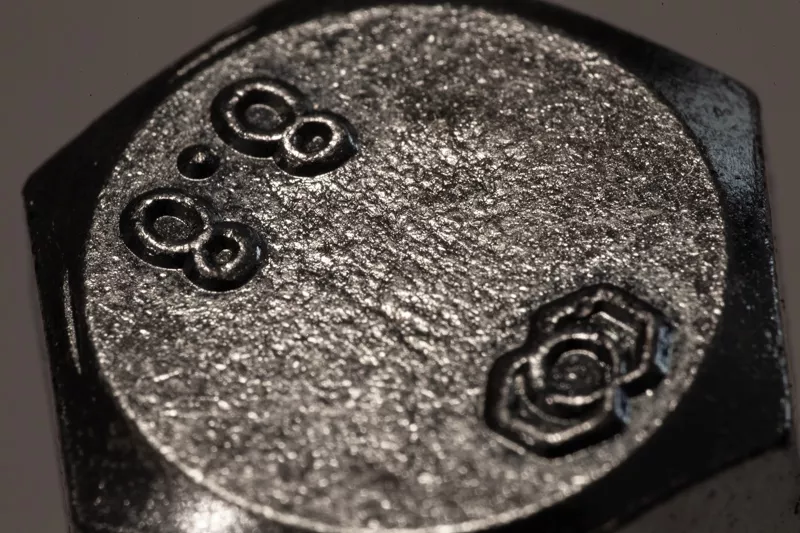
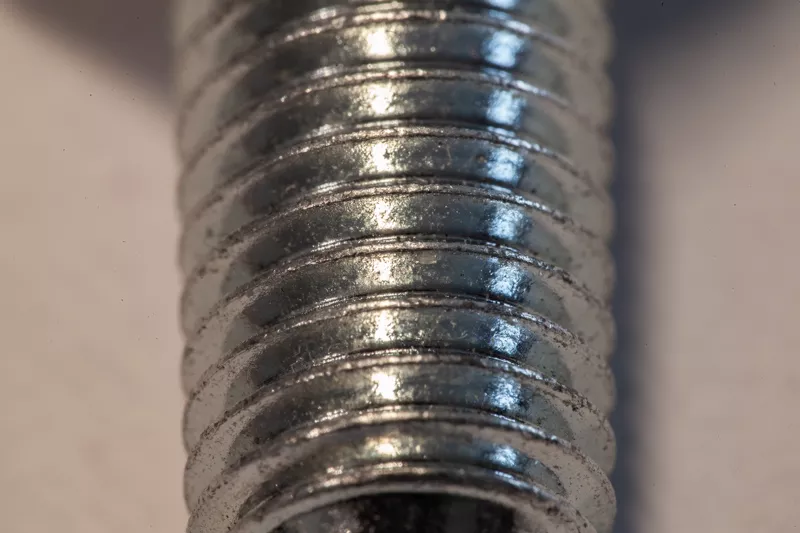
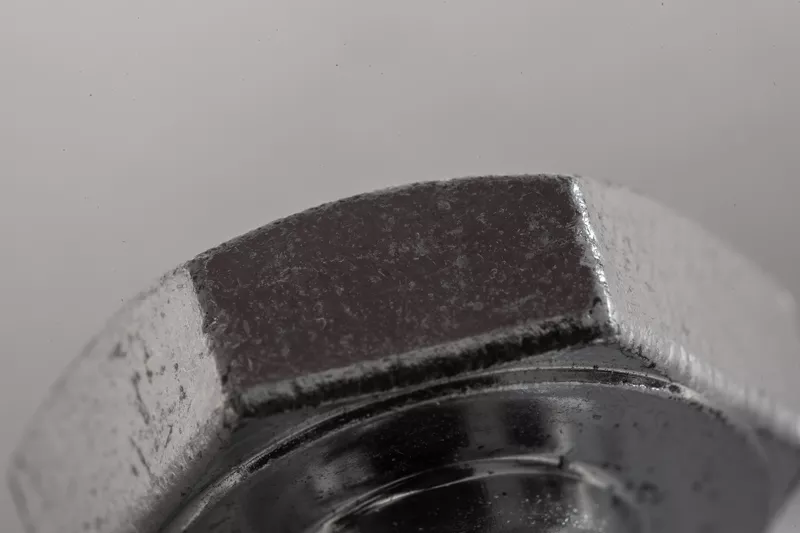
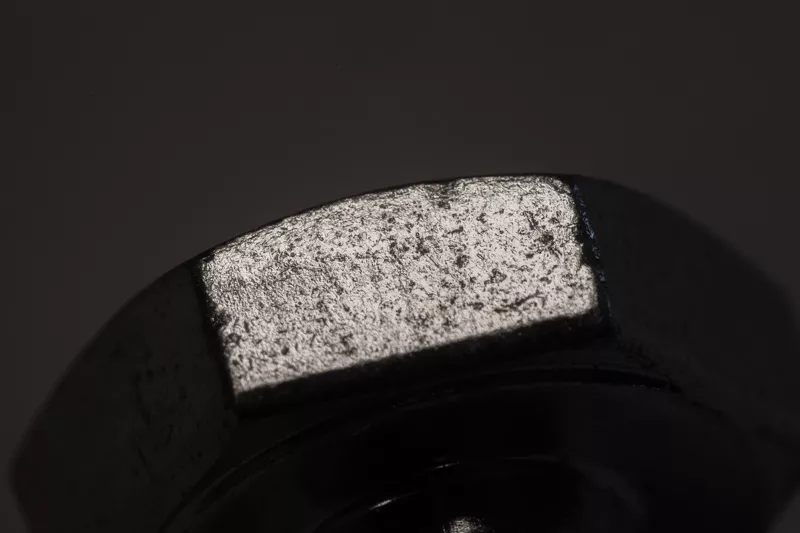
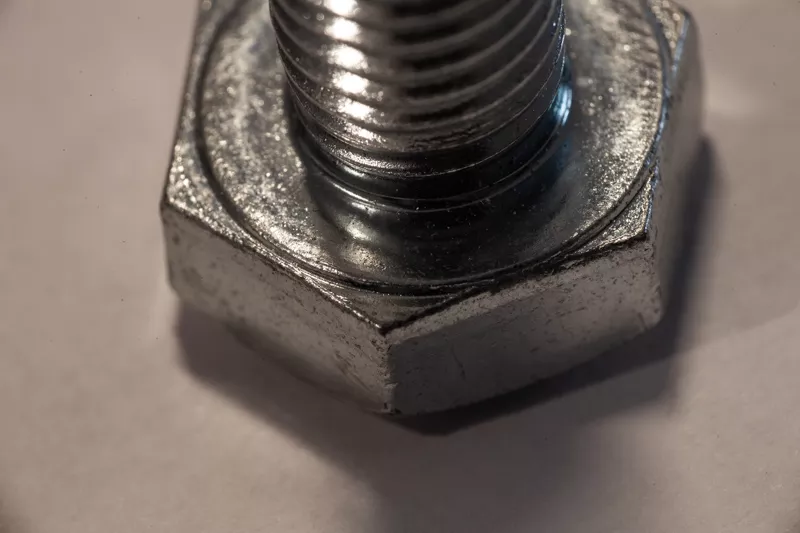
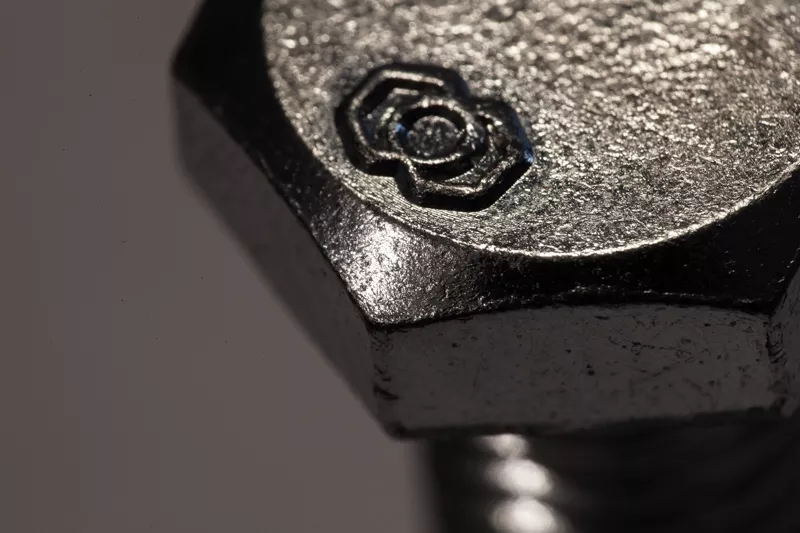

https://code.vonc.fr/outils open source tool – calcute the area and volumen of an object in Cinema4D
Ich hab das update von R21 / Octane 2020.1.4 auf R23 / Octane 2020.1.5 gemacht und bin dann plötzlich vor der Tatsache gestanden, dass ich viele Objekte in einer Szene die Koordinaten per Koordinatenmanager nicht mehr bewegen, drehen oder skalieren konnte, so als ob eine Schutz-Tag auf allen angewendet werden würde. Nach ewigen hin und…
One method i use quiet often is to align an object with the workplane. In this example i want to align the cylinder to the cube. Align the axis of your objects first if you have a specific target! Select your target object, go to „Tools – Workplane – Align Workplane to Selection Set X,Y,Z…
If you have distorted, a see-through-effect or just a strange view behaviour of your mesh in substance painter you should check your polygon-normals. They can cause an error if their direction is reverse. Painting should also be producing only errors, also with a correct uv-layout.
If you have to render an object with different materials, you can either change everytime the material by hand or you can use this little xpresso script and „takes-manager“ to automate your renders. There are for sure other methods, but this works quite well for me. (In my case i had like 30 different products…